What is Top Tier Trading?
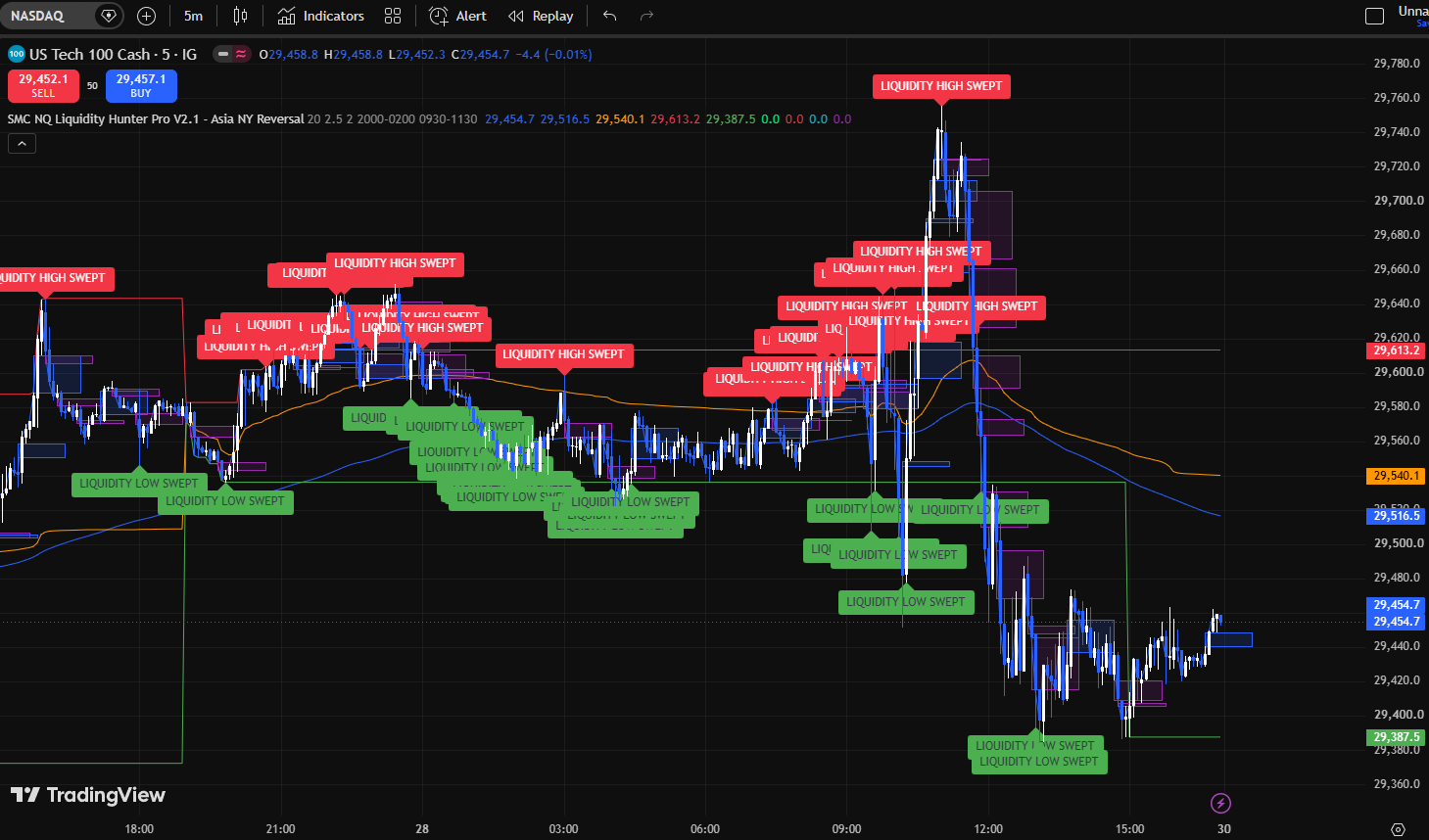
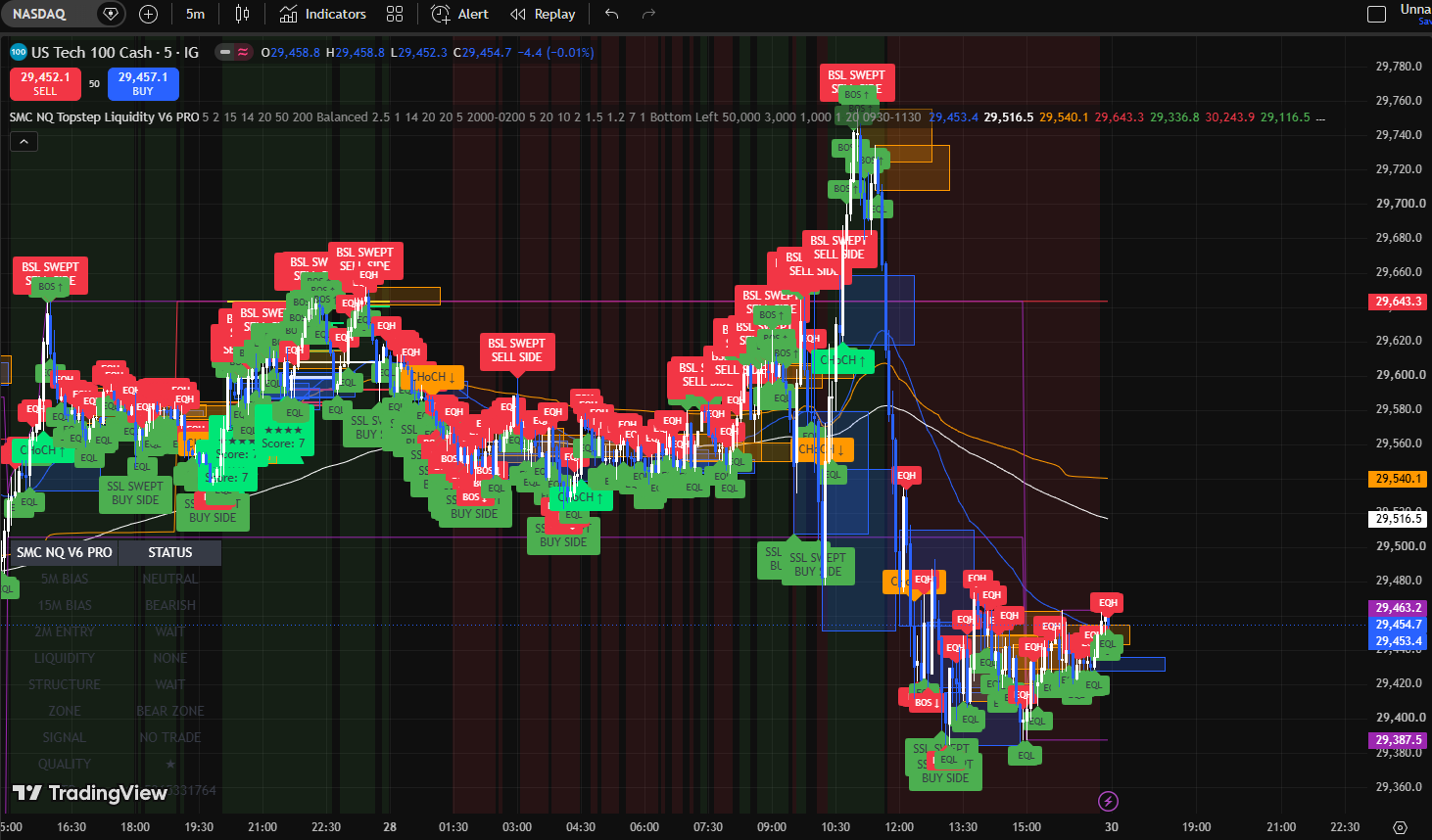
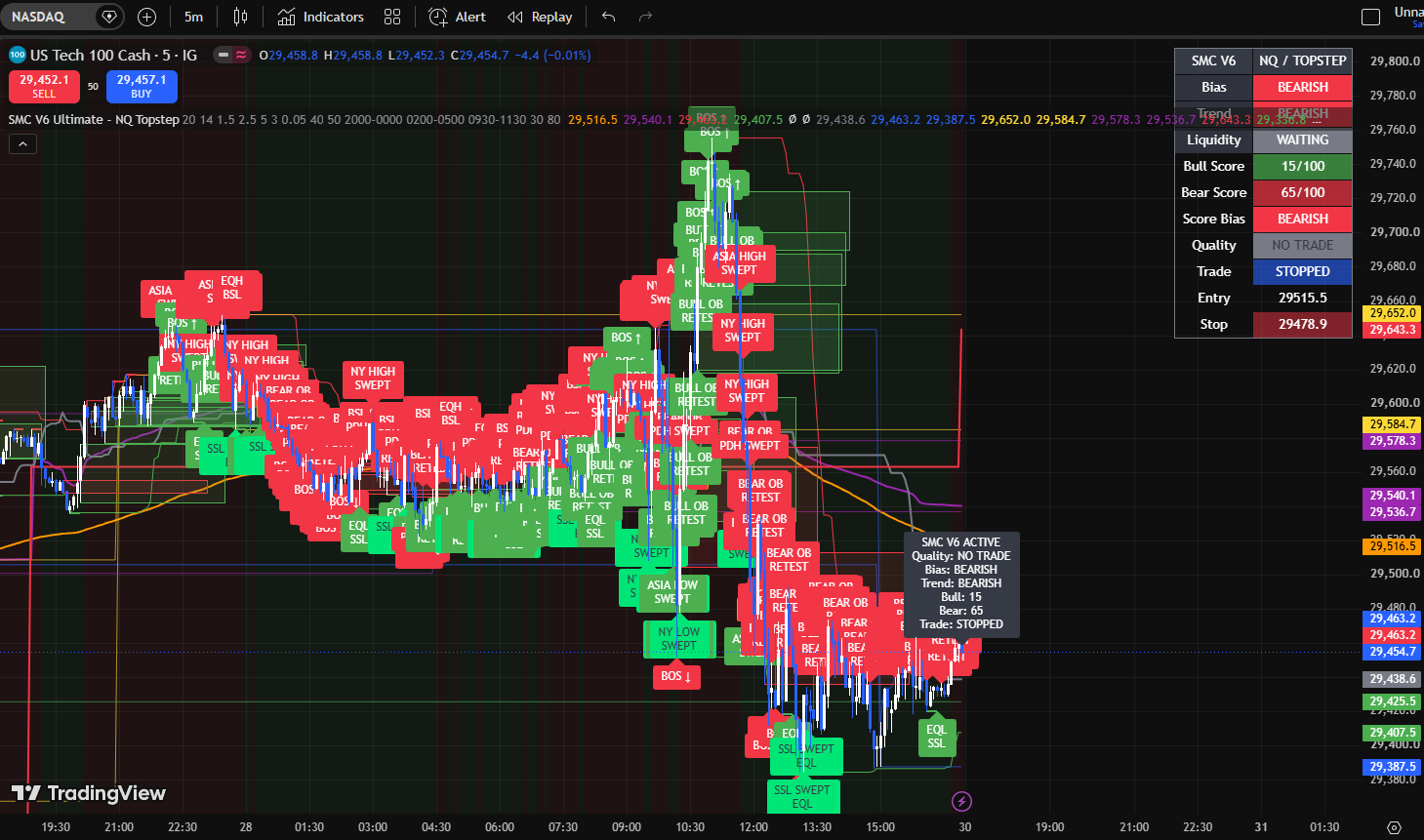
Top Tier Trading is a branded suite of TradingView indicators focused on helping futures traders organize market context and study potential setups.
How do I connect this to TradingView?
After your purchase, check the access instructions provided with your product and use the same TradingView account you plan to trade with. Open TradingView, go to **Indicators → Invite-only scripts**, find the Top Tier Trading indicator you purchased, and add it to your chart; if access has not appeared yet, make sure you are logged into the correct TradingView username and follow the access instructions for your order.
Can these be used with a futures/prop workflow?
Yes. The indicators are specifically designed with **NASDAQ/NQ-style futures charts** in mind, but they can also be used on other futures or market charts available in TradingView. Always verify that the chart, symbol, and session settings match the market you are trading.
Does Top Tier Trading guarantee profits?
No. Top Tier Trading does **not** guarantee profits, win rates, or any specific trading results. The indicators are designed to help you identify and organize market information more clearly, which may improve your decision-making and your chances of finding quality setups **when the tools are used correctly as part of a disciplined trading plan**. However, markets are unpredictable, losses can still occur, and results will vary from trader to trader.